Höjdpunkter
Specifikationer
Vanliga frågor
Recensioner
 

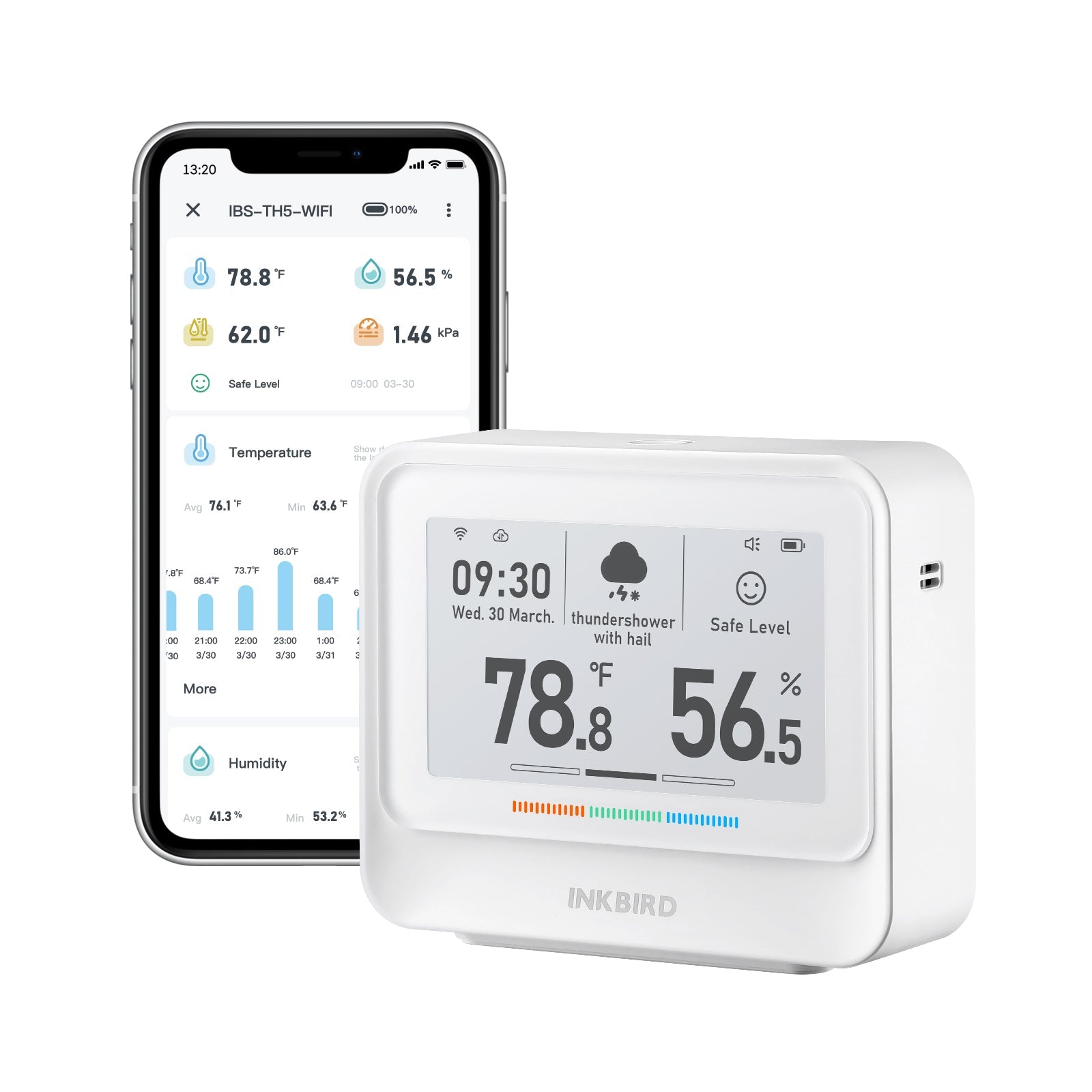
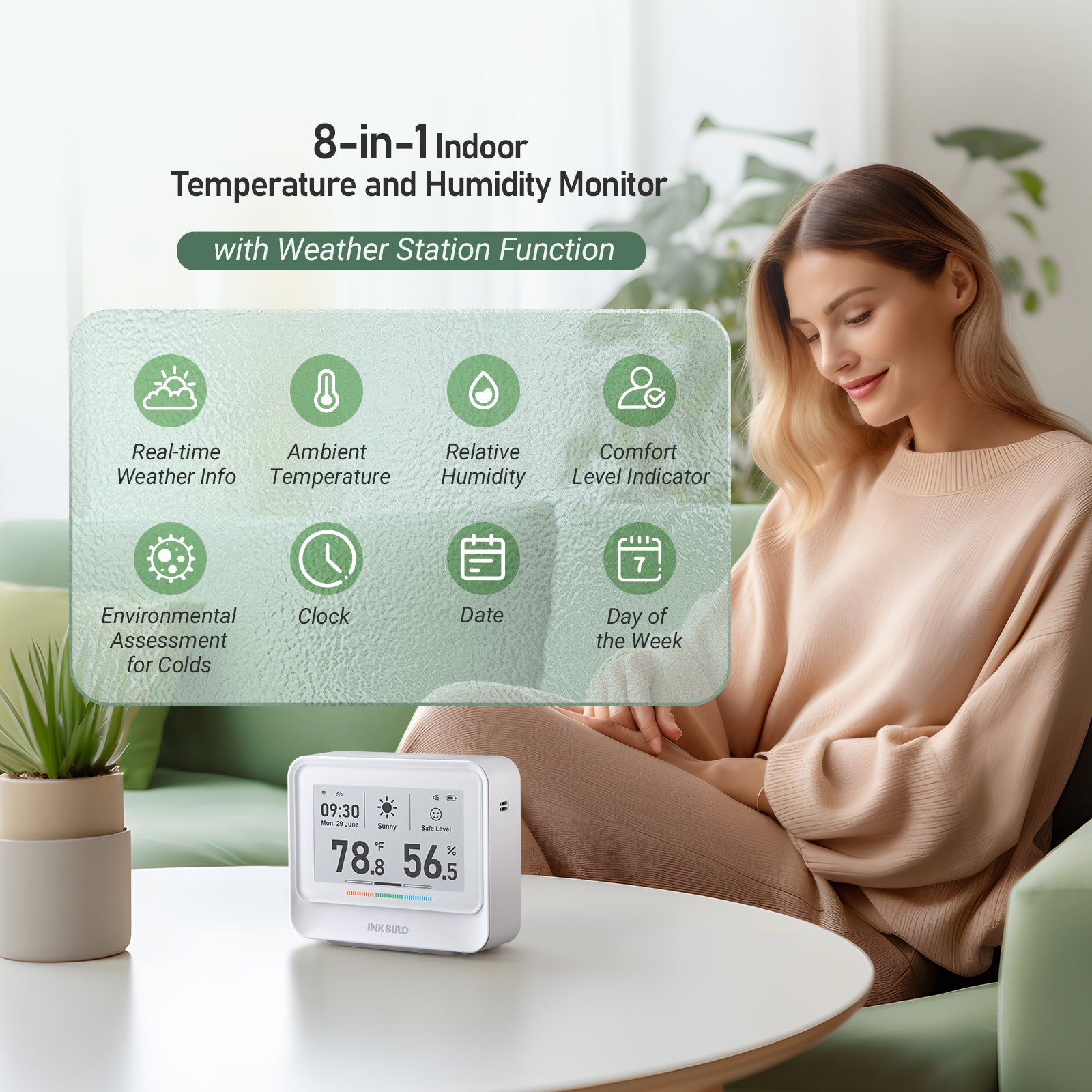
Produktöversikt


Specifikationer

Model:

IBS-TH5-WiFi

Dimension:
4.29 x 3.54 x 1.26 inches / 109 x 90 x 32 mm
Weight:
8.3oz / 235g
Screen:
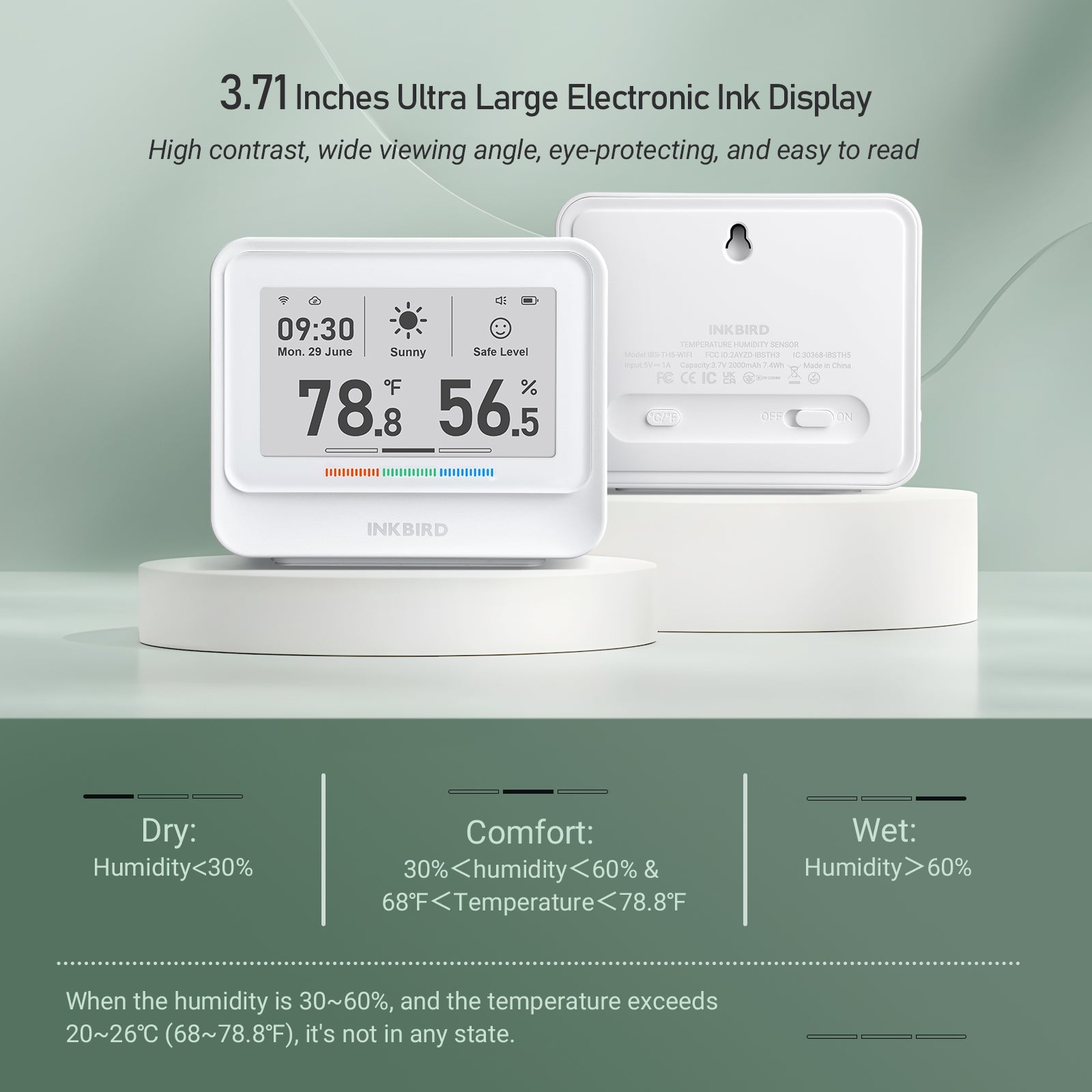
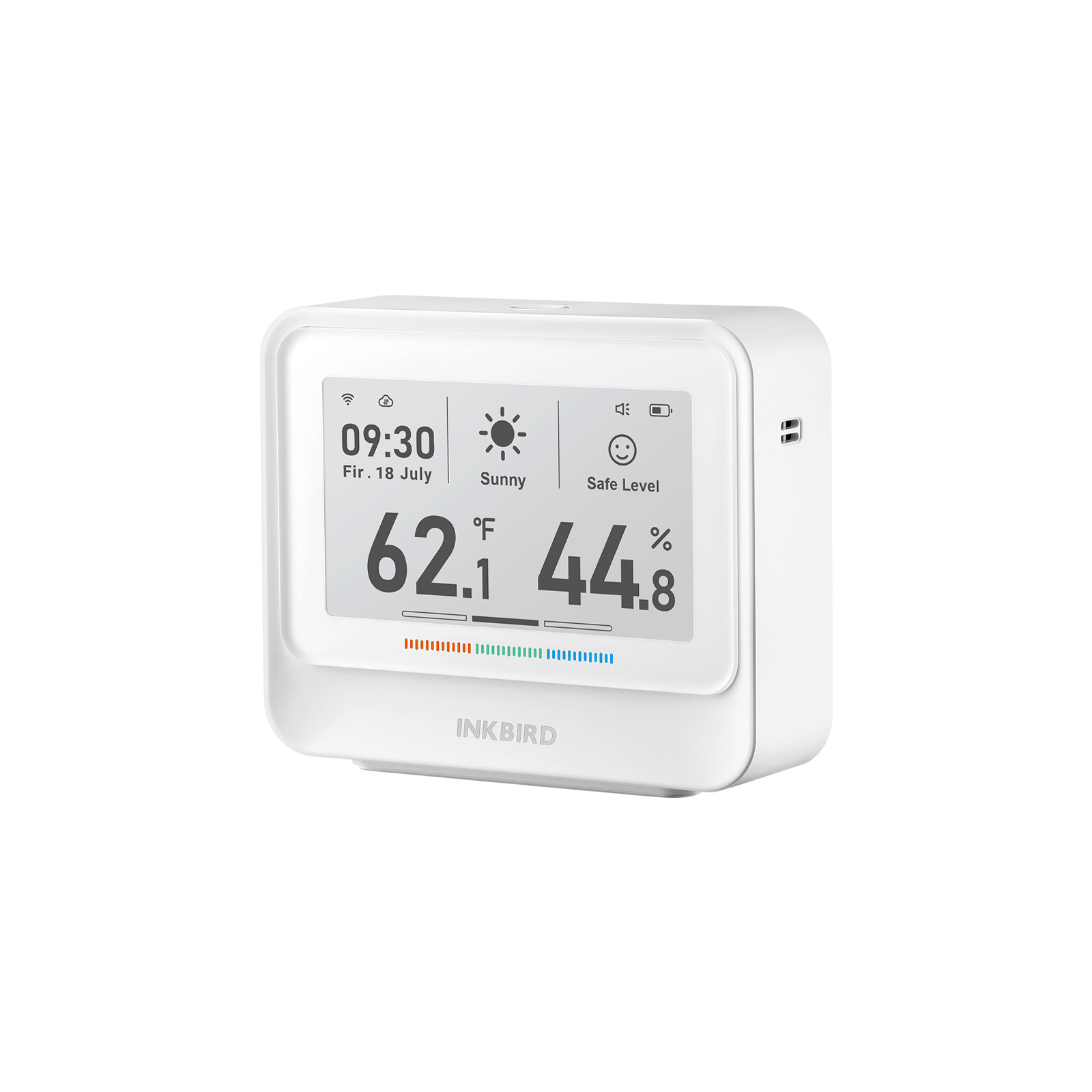
3.8-inch electronic ink display
Sensor:
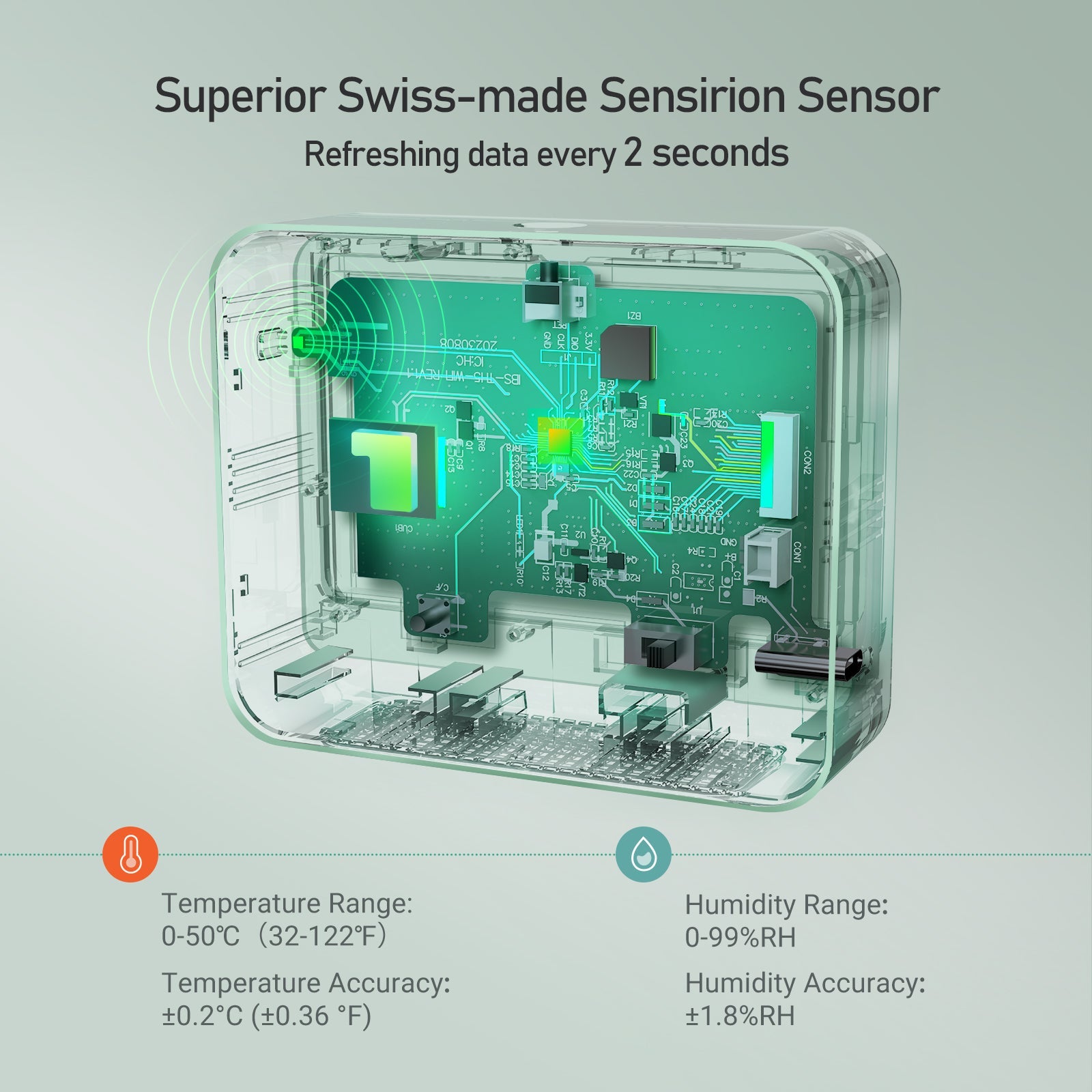
Swiss Sensirion Industrial Grade
Input Power:
5V 1A
Battery:
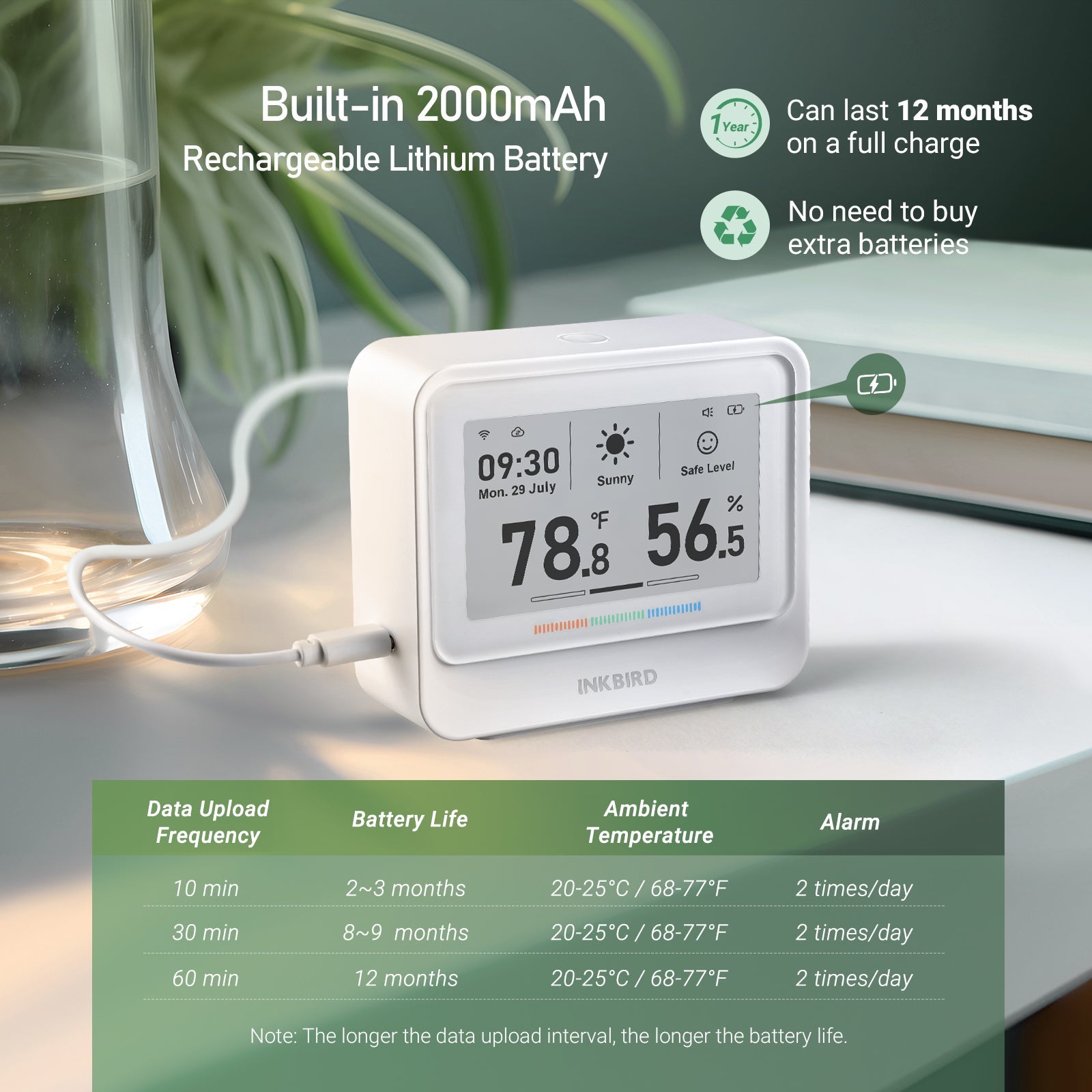
2000mAh lithium battery
Charging Time:
3~4 hours
Temp Range:
32℉~122℉/

0℃~50℃
Temp Accuracy:
±0.36°F / ±0.2℃
Humidity Range:
0~99 % RH
Humidity Accuracy:
±1.8% (non-condensing)
Sampling Time:
2 seconds
Recording Interval:
10/30/60min
Data Storage:
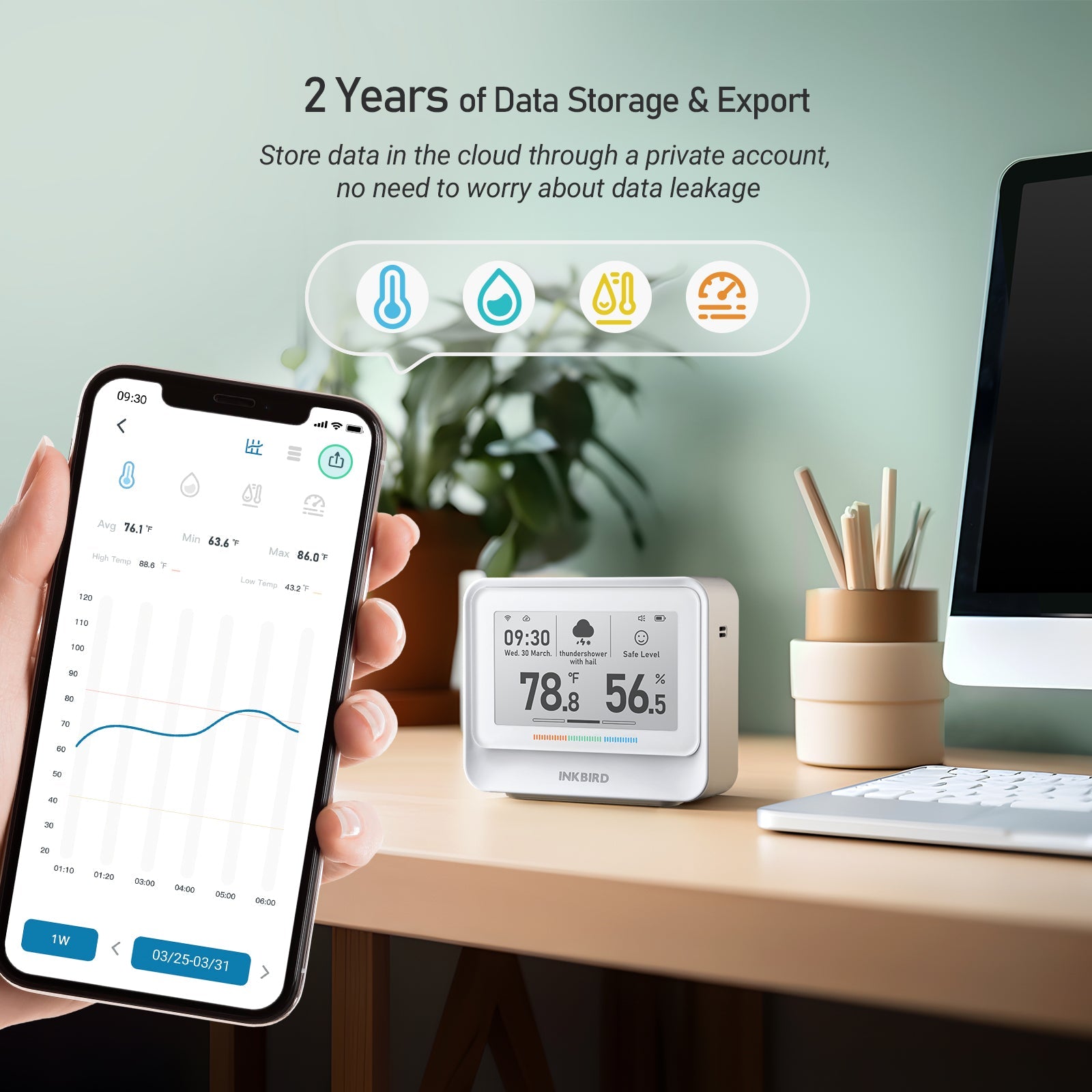
2 years of data in the cloud
Package Contents:

Indoor Temperature and Humidity Monitor *1,

USB Charging Cable *1, User Manual *1

Show More

Jämför med andra

Appearance:

WiFi Hygrometer Thermometer IBS - TH5 - WiFi - INKBIRD WiFi Hygrometer Thermometer IBS - TH3 WIFI PLUS - INKBIRD Bluetooth Hygrometer Thermometer ITH - 21 - B - INKBIRD Bluetooth Hygrometer Thermometer ITH - 13 - B - INKBIRD
Model:

IBS-TH5-WIFI

IBS-TH3-WIFI PLUS

ITH-21-B

ITH-13-B

WiFi: 2.4GHz 2.4GHz x x
Bluetooth: x x Bluetooth 5.0 Bluetooth 5.0
Data Display: Time, Date, Weather, Temp, Humidity, Comfort, Environment Temp, Humidity, Comfort Time, Date, Day of the Week, Temp, Humidity, Comfort Temp, Humidity, Comfort
Battery: 2000mAh Li-ion battery 500mAh Li-ion battery  2*AA batteries  2*AAA batteries
Screen: Electronic Ink LCD LCD LCD
Battery Life: 12 months 3 months 15 months 8 months
Recording Interval: 10/30/60min 10/30/60/120/180/240min 1/2/5/10min 1/2/5/10min
Sampling Interval: 2 seconds 10 seconds 3 seconds 3 seconds
Temp Range: 32℉~122℉/

0℃~50℃
32℉~122℉/

0℃~50℃
-4℉~140℉/

-20℃~60℃
-4℉~140℉/

-20℃~60℃
Temp Accuracy: ±0.36°F / ±0.2℃ ±0.5°F / ±0.3℃ ±0.36°F / ±0.2℃ ±0.36°F / ±0.2℃
Humidity Range: 0~99 % RH 0~99 % RH 0~99 % RH 0~99 % RH
In-App Data Storage:

2 Years

1 Year

2 Years

2 Years


Vanliga frågor

Can I use IBS-TH5-WiFi outdoors?

Since the IBS-TH5-WiFi is not waterproof, it is not recommended to use it outdoors and in extreme weather conditions for a long time.

How to check tomorrow's weather forecast?

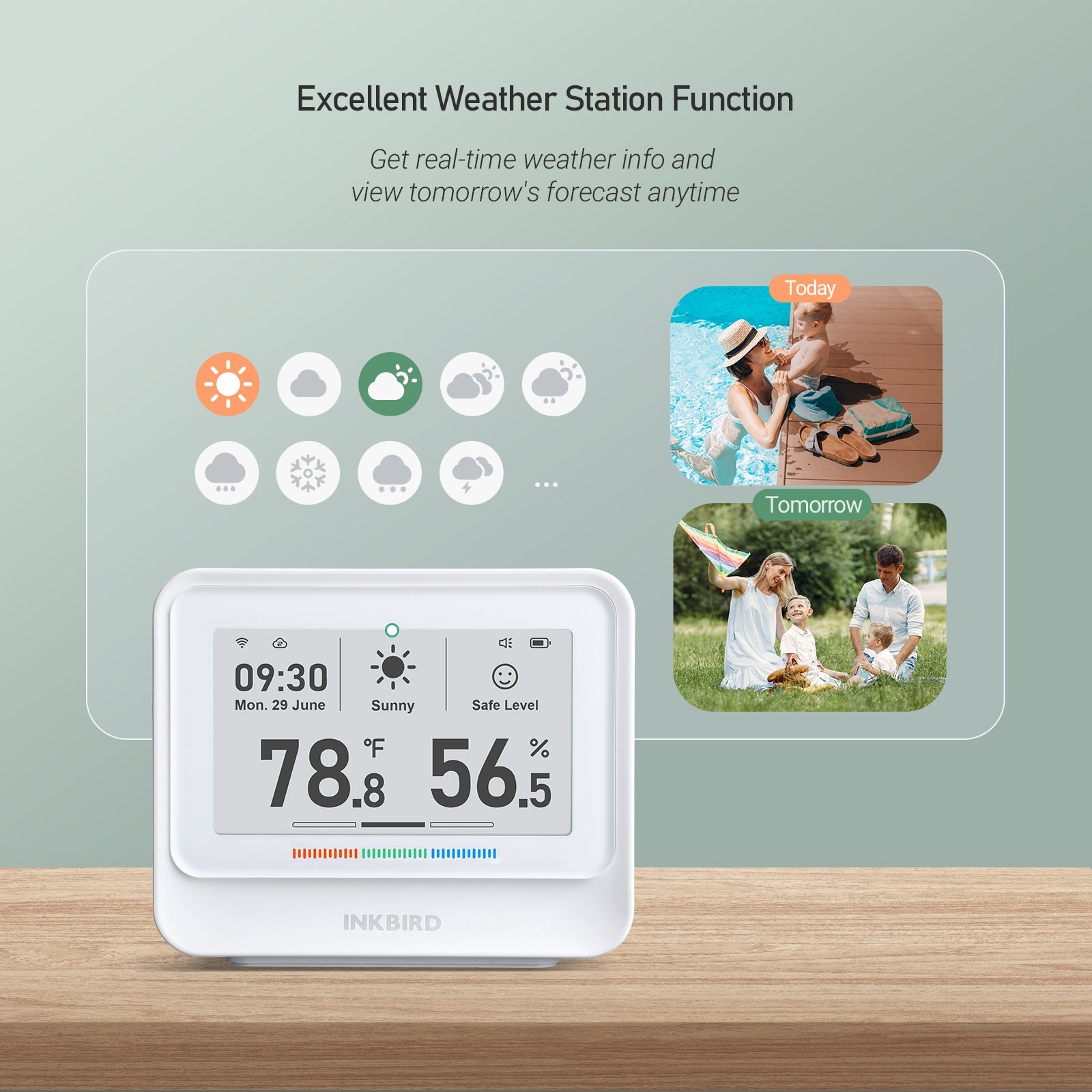
Press the button at the top of the device to display tomorrow's weather forecast.

How to customize comfort range?

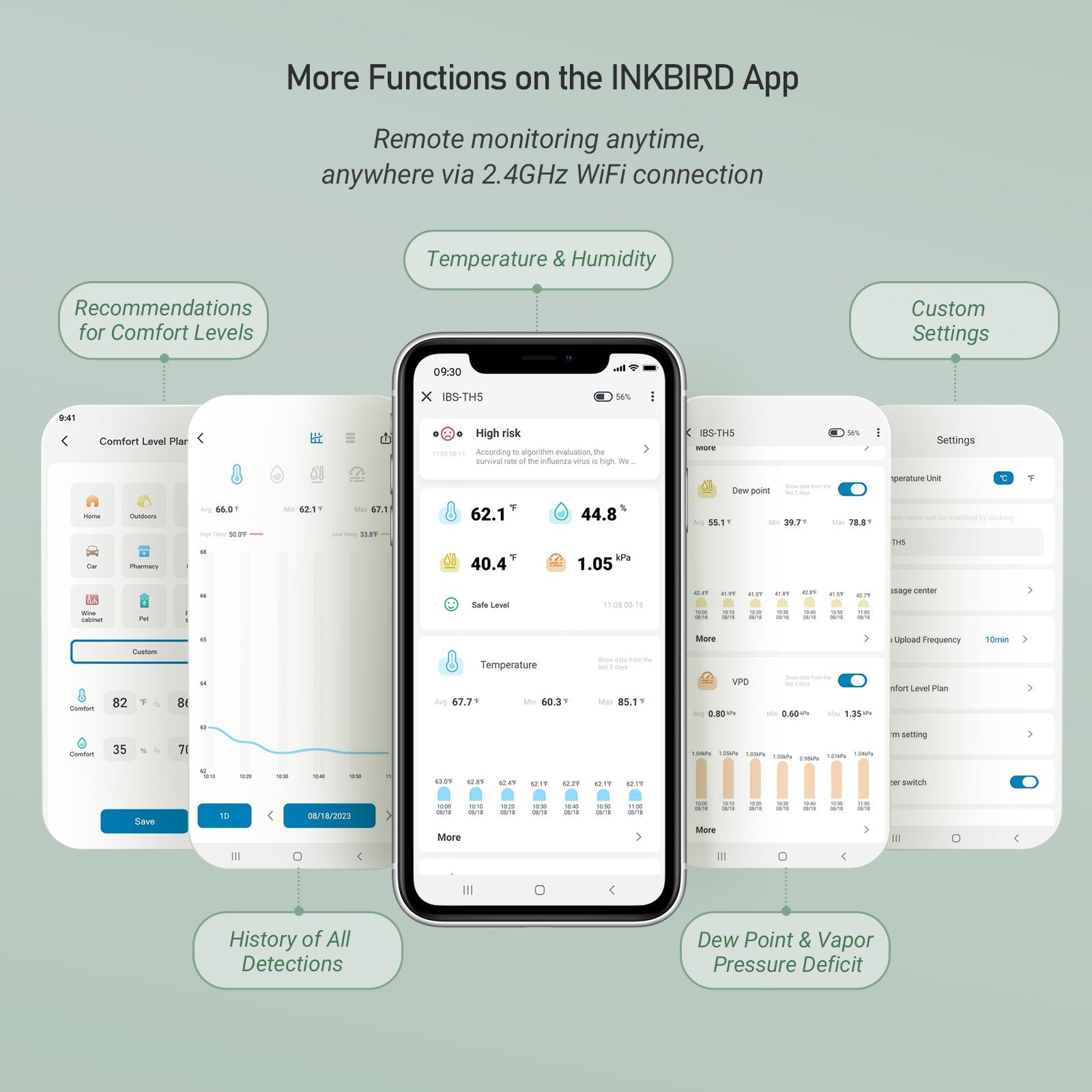
Choose the device on the INKBIRD app > Tap the Settings icon in the top right corner > Select "Comfort Plan > Customize" > Input temperature and humidity range > Tap "Save".

How to connect IBS-TH5-WiFi to app?

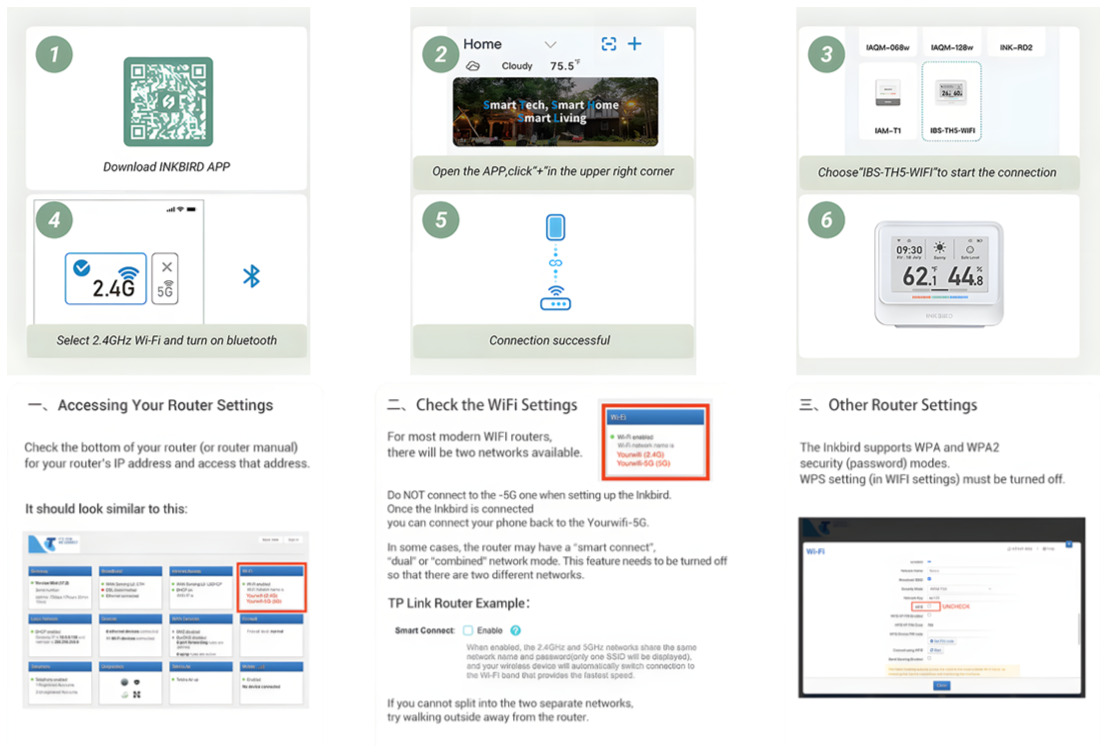
Download the INKBIRD app from the Apple Store or Google Play. If it's your first time using it, register a new account. Once you're in the app, tap the "+" icon in the top right to add the device. Then, follow the instructions to complete the WiFi connection, during which make sure to keep the device close to your phone and router.